
In modern AI development and GPU-intensive computing, keeping track of NVIDIA GPU performance is essential for maximizing efficiency and avoiding resource bottlenecks. Nvitop has emerged as a powerful tool for developers and data scientists, offering real-time insights into GPU utilization, memory allocation, and active processes. Its lightweight design and precise metrics make it an indispensable addition to workflows involving deep learning frameworks or high-performance computing tasks. Understanding the Python version compatibility for Nvitop is crucial, as the right environment ensures accurate monitoring, smooth installation, and stable operation across various systems.
What is Nvitop and Why It Matters
Nvitop is a Python-based utility designed for real-time GPU monitoring. Unlike generic system monitoring tools, it provides detailed insights specific to NVIDIA GPUs, including:
- GPU utilization percentages
- Memory allocation and consumption per process
- Active processes running on each GPU
- Metrics for multi-GPU systems
For anyone working with deep learning frameworks like PyTorch or TensorFlow, Nvitop can be a game-changer. Accurate GPU monitoring ensures that resources are efficiently utilized, potential bottlenecks are identified quickly, and system performance is optimized. Because Nvitop relies on Python and interacts with NVIDIA drivers, using the correct Python version is essential for it to function correctly.
Why the Python Version Matters
The version of Python you use for Nvitop impacts several critical aspects:
Library Compatibility
Nvitop depends on Python libraries such as nvidia-ml-py3 and psutil. These libraries have specific version requirements, and using an incompatible Python version can prevent them from installing or functioning correctly.
Performance
Python 3.9 and later versions have improvements in memory management and multithreading. These optimizations can influence how efficiently Nvitop collects and displays GPU metrics.
Stability and Security
Older Python versions may have deprecated modules or unpatched vulnerabilities, which can lead to errors when running GPU monitoring tools.
Choosing the right Python version ensures that Nvitop operates efficiently and reliably, without unexpected crashes or inaccurate readings.
Supported Python Versions for Nvitop
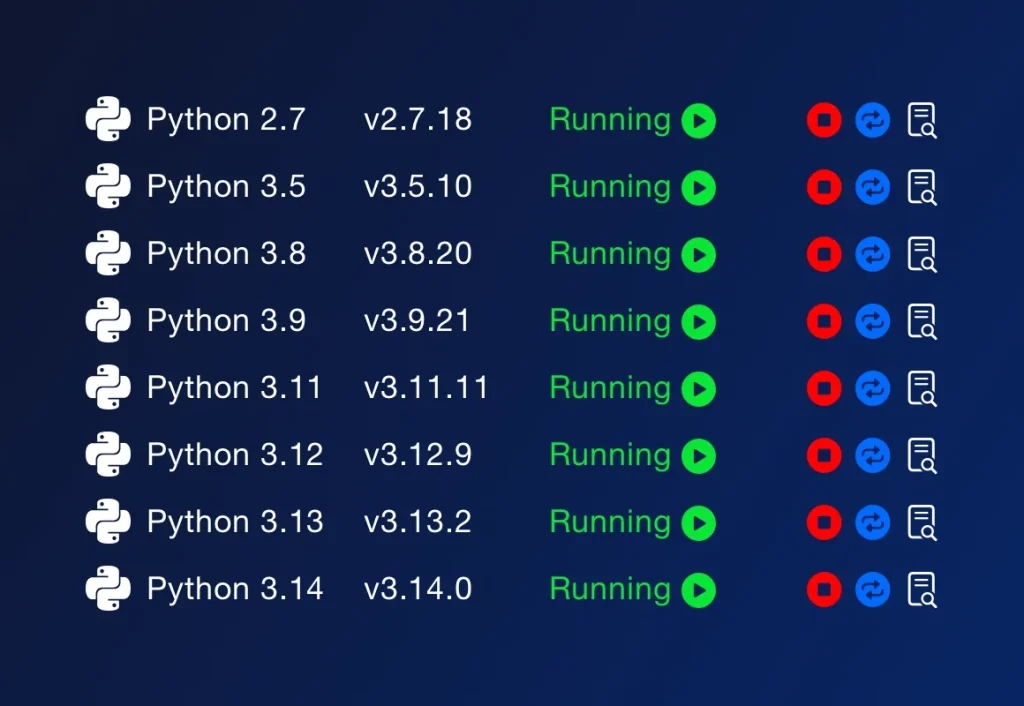
As of the latest release, Nvitop officially supports Python versions from 3.7 to 3.10. Here’s a detailed breakdown:
- Python 3.7 to 3.10: Fully supported. All core dependencies work as expected, and Nvitop installation and operation are smooth. This range is recommended for production environments.
- Python 3.11 and above: Partially supported. While Nvitop may run, some libraries might not yet be fully compatible, and minor issues may occur. Testing is recommended before using it in production.
- Python 2.x: Not supported. Python 2 is no longer maintained and lacks the features required by Nvitop.
While some users report success with Python 3.6, this version is not officially supported, and issues may arise during installation or runtime.
Installing Nvitop for Python Version
The process of installing Nvitop depends on the Python version you are using. Following the correct steps ensures a smooth experience.
For Python 3.7 to 3.10
These versions are the most stable for running Nvitop. The steps include:
- Create a dedicated environment to isolate Nvitop from other projects.
- Ensure your package manager is updated.
- Install Nvitop along with its dependencies.
Using an isolated environment prevents conflicts with other Python packages and allows easy testing.
For Python 3.11 and Later
Python 3.11 introduces stricter type checking and updated standard library features. To run Nvitop:
- Confirm that dependencies, particularly
nvidia-ml-py3, are compatible with Python 3.11. - Test all features of Nvitop in a controlled environment to detect potential issues.
While it is possible to run Nvitop on Python 3.11, careful testing is essential, especially in multi-GPU setups.
Why Virtual Environments Are Important
Virtual environments allow you to maintain multiple Python versions on the same machine without conflicts. They offer several benefits:
- Separate dependencies for each project
- Safe testing of Nvitop across different Python versions
- Avoiding system-level conflicts between Python packages
Popular tools for managing Python versions include pyenv and conda. Both allow easy installation of multiple Python versions and creation of isolated environments for testing Nvitop safely.
Performance Considerations
The Python version can influence Nvitop’s performance. Key considerations include:
- Python 3.7 to 3.9: Offers stable performance and reliable compatibility with all Nvitop dependencies. Ideal for most users.
- Python 3.10: Brings minor performance improvements in memory management and multithreading, which can enhance real-time GPU monitoring.
- Python 3.11: Further CPU optimizations improve the speed of data collection, but dependency verification is necessary.
Even though GPU monitoring primarily depends on the GPU hardware, the Python runtime affects how efficiently Nvitop collects, processes, and displays metrics.
Managing Dependencies Across Python Versions
Nvitop depends on several key libraries:
- NVIDIA Management Library Python Bindings (
nvidia-ml-py3): Accesses GPU metrics directly. Fully compatible with Python 3.7 to 3.10; Python 3.11 may require updated versions. - psutil: Tracks system processes and resource usage. Compatible with Python 3.6 and above.
- Optional Visualization Libraries: Tools like
matplotliborplotlycan enhance Nvitop’s output for dashboards. Compatibility depends on the Python version.
Ensuring these libraries are compatible with your Python version is critical to avoiding runtime errors or inaccurate readings.
Best Practices for Running Nvitop
To ensure Nvitop runs smoothly, consider these recommendations:
- Verify GPU driver and CUDA toolkit compatibility.
- Use a virtual environment to isolate Nvitop from other projects.
- Keep Nvitop and all dependencies up to date.
- Cross-check Nvitop’s readings with
nvidia-smito ensure accuracy. - Test multi-GPU setups carefully to detect any threading or performance issues.
Following these practices ensures reliable, accurate, and efficient GPU monitoring.
Testing Nvitop Across Multiple Python Versions
For developers managing multiple projects, testing Nvitop in different Python environments is highly valuable:
- Install multiple Python versions on the same system.
- Create isolated environments for each version.
- Install Nvitop in each environment.
- Compare GPU metrics across versions to ensure consistent behavior.
This approach allows you to leverage the latest Python features without sacrificing stability or performance.
Troubleshooting Python Version Issues
Common issues when using Nvitop include:
- ModuleNotFoundError: Often occurs when the package manager is associated with a different Python version.
- Segmentation Faults: Can result from mismatched Python, CUDA, or NVIDIA drivers.
- Slow or Inaccurate Metrics: May occur if Nvitop is run on unsupported Python versions.
Solutions include:
- Recreating the virtual environment with a supported Python version.
- Updating all dependencies to match the Python runtime.
- Ensuring that the NVIDIA driver and CUDA toolkit are compatible with your Python version.
Conclusion
Python version requirements for Nvitop is critical for anyone who relies on GPU monitoring for AI, data science, or high-performance computing. Python versions 3.7 to 3.10 provide full compatibility, ensuring smooth installation, accurate metrics, and stable performance. While newer versions like 3.11 may work, testing and careful dependency management are recommended. By selecting the right Python version and using best practices such as virtual environments and updated drivers, you can fully leverage Nvitop to monitor GPUs efficiently, optimize workflows, and maintain system stability across all your projects.